Mobile App
Download the Official KBIS Mobile App
Sponsored by

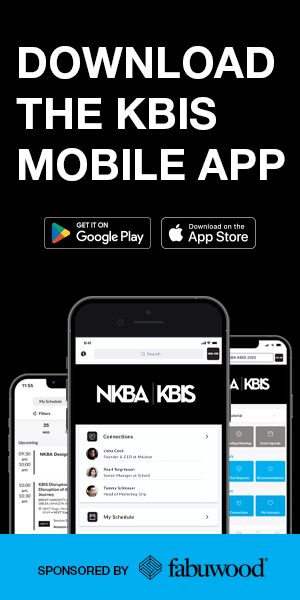
Navigate the show like a pro!!!
Now available for download for attendees & exhibitors!
- Explore the full agenda
- Connect with exhibitors
- See floor plans, products, and exhibitor directory
- Use the map to plot your journey
- Create your daily schedule
Search KBIS in your Apple or Android App store. Or scan the QR code to download and login.
Attendee Login:
You can find your login credentials in an email sent to you from noreply@matchmaking.kbis.com. Use the same email to login that you used for registration. If you cannot recall, please follow the “forgot your password” prompts.
Exhibitor Login:
You can find your login credentials in an email sent to you from noreply@matchmaking.kbis.com. On your first login, you will be prompted to set up your password. Note: You must be registered as booth staff to access the KBIS Mobile App.
Why Download the KBIS Mobile App?
Explore the full schedule
See all programming, special events, happy hours, and more
Connect with exhibitors
Schedule meetings directly with exhibitors during the show
Use the map to plot your journey
Need directions? Use the map to find your way to your next destination
Create your daily agenda
Get organized by outlining each day with your meetings, must-see sessions, and more
Find transportation & food
Use the map to find transportation locations and food options
Get show news & alerts
Don’t miss a beat with real-time show news & alerts
Get Ready to Matchmake!
The KBIS Mobile App includes easy-to-use matchmaking, giving you the opportunity to network and make real connections at the show to better your business for the year ahead. Using advanced matchmaking technology, the app will give you recommendations on who to meet with based off your industry segment and interests you have chosen in your profile setup.
Update your profile today to get the most out of matchmaking at KBIS.
Attendee Resources
Exhbitor Resources
* To update your company profile in the KBIS Mobile App, you must update your company profile in the Exhibitor Hub. From there, it will automatically update your profile within the KBIS Mobile App within 24-hours.
Need Assistance?
Contact grip customer support at support@grip.events
Mobile App Sponsored By: